your first counter
make the + button increment a number
this article takes a panel with a number label and a "+" button and makes it interactive. it adds three things: a field that holds the count, a click handler that mutates it, and a hover color that gives the button feedback.
hold the count in a field
add a _count field to the class and read from it in Text. nothing looks different yet because _count starts at zero, but the text is now driven by data instead of a literal.
public class CounterUI : GooPanel<Container>
{
    private int _count;

    protected override Container Build() => new Container
    {
        Padding = 16,
        Width = 128,
        Height = 128,
        BackgroundColor = Color.White,
        BorderRadius = 12,
        FlexDirection = FlexDirection.Row,
        Gap = 12,
        AlignItems = Align.Center,
        Children =
        {
            new Text(_count.ToString()),
            new Container
            {
                Padding = 8,
                BackgroundColor = Color.Orange,
                BorderRadius = 6,
                Children = { new Text("+") },
            },
        },
    };
}
Build() runs once at mount. goo holds that tree until something schedules a rebuild. for event handlers, that is automatic.
wire the click
OnClick takes a lambda. the e parameter carries mouse event details, but you do not need it here. mutate your field and you are done: after any event handler runs, goo rebuilds the panel for you (AutoRebuildOnEvents, on by default), so the handler is just the mutation.
new Container
{
    Padding = 8,
    BackgroundColor = Color.Orange,
    BorderRadius = 6,
    OnClick = e => _count++,
    Children = { new Text("+") },
}
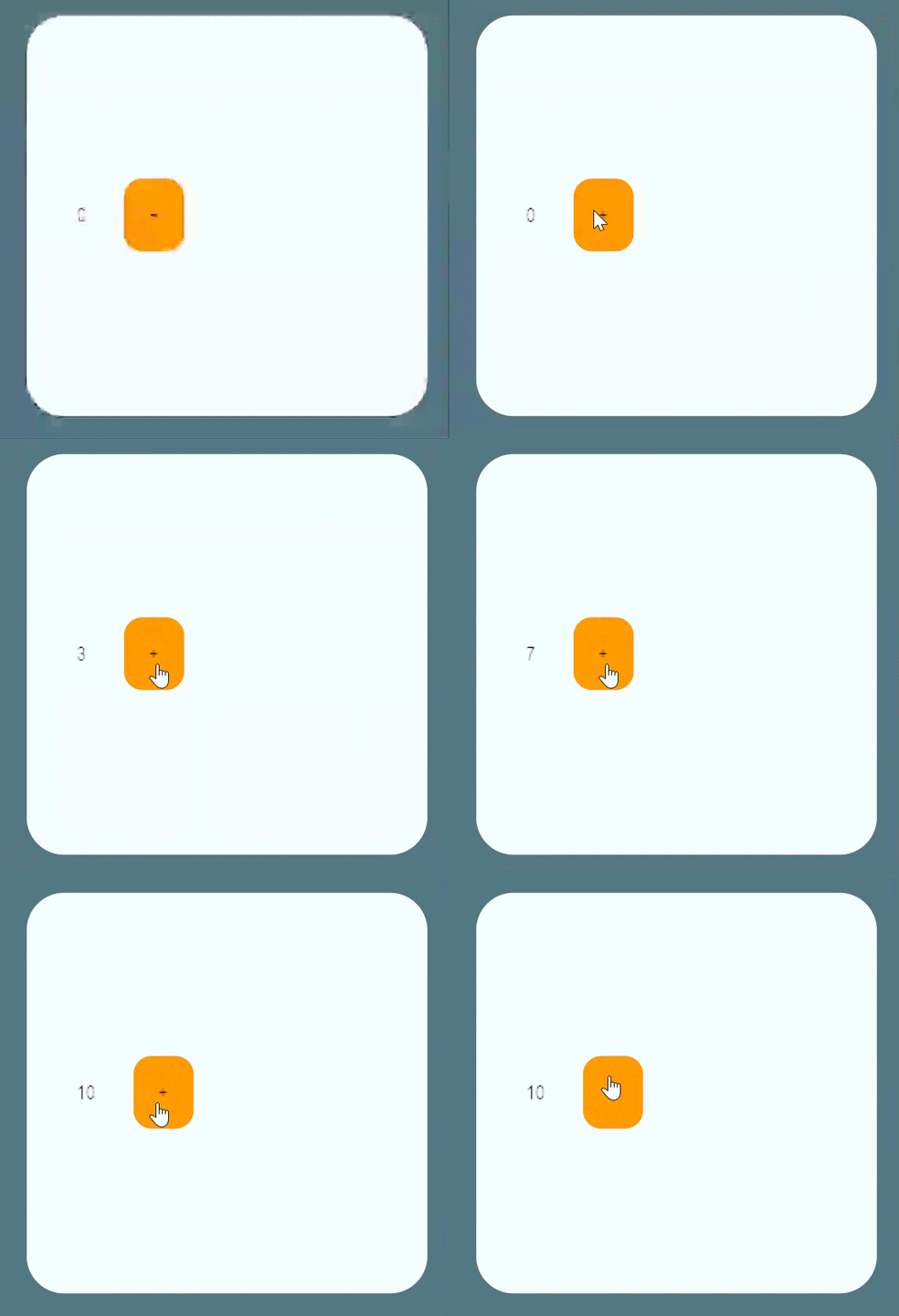
press play and click. the number goes up. the counter works.
the auto-rebuild covers event handlers only. state that changes anywhere else (a timer, a network callback, a poll in Tick) does not trigger it: use State<T> via Track() (writes mark the panel dirty automatically) or call Rebuild() yourself after the change. managing state covers both.
make it feel real
the button takes clicks but gives no visual feedback. HoverBackgroundColor changes the background when the cursor is over the element.
here is the complete class with all three changes applied:
public class CounterUI : GooPanel<Container>
{
    private int _count;

    protected override Container Build() => new Container
    {
        Padding = 16,
        Width = 128,
        Height = 128,
        BackgroundColor = Color.White,
        BorderRadius = 12,
        FlexDirection = FlexDirection.Row,
        Gap = 12,
        AlignItems = Align.Center,
        Children =
        {
            new Text(_count.ToString()),
            new Container
            {
                Padding = 8,
                BackgroundColor = Color.Orange,
                HoverBackgroundColor = Color.Cyan,
                BorderRadius = 6,
                OnClick = e => _count++,
                Children = { new Text("+") },
            },
        },
    };
}
state variants follow the prefix shape (HoverBackgroundColor, HoverFontColor, and so on). they are init properties like any other style.
see also
- managing state - more than one field, plus cell-local state that survives parent rebuilds.
- arranging children - how
FlexDirection,Gap, andAlignItemslay out the row this counter starts from. - build method - full
Rebuild()mechanics, structural diff, and hotload. - container reference - full layout and style surface for
Container. - events - all eight mouse-event properties and the
MousePanelEventpayload.